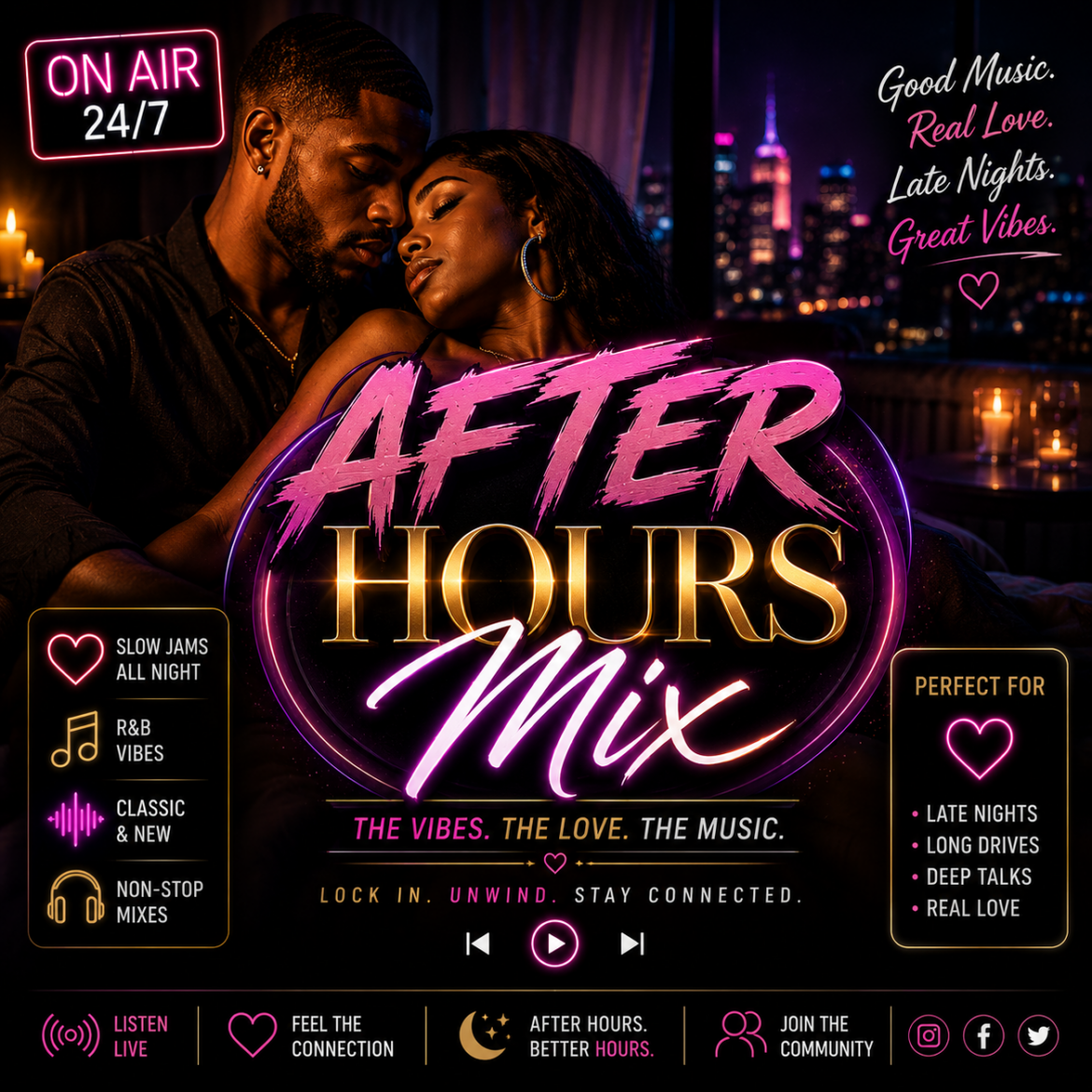
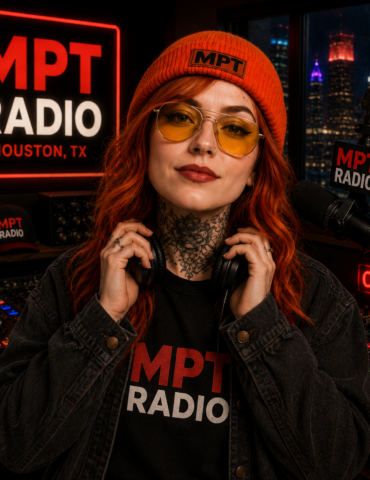
When the night falls, the party begins! After Hours Mix is your late-night go-to for non-stop pop anthems and the latest club hits. Get ready for upbeat, high-energy music that will keep you moving until the early hours.
Add MPTRadio to your phone's Home Screen for quick access,
just like an app.
🤖 Android Phones
Open MPTRadio.com in
Chrome or your preferred browser.
Tap the
⋮ three dots
in the top-right corner.
Look for
Install,
Install app,
Add to Home screen,
or
Create shortcut.
Tap the option shown on your phone.
Tap Add or
Install if asked.
Note:
The wording may be different depending on your
phone and browser.
If you see
Install,
Install app,
or
Create shortcut,
that is the correct option.
🍎 iPhone
Open MPTRadio.com in
Safari.
Tap the Share button.
Tap Add to Home Screen.
Tap Add.
MPTRadio will now appear on your Home Screen
for quick access to the station.