chevron_left
-
 play_arrow
MPT Radio Top Music Radio
| Monday | 7:30 pm | 9:30 pm |
|---|---|---|
| Tuesday | 8:00 am | 12:00 pm |
| Saturday | 7:45 pm | 10:00 pm |
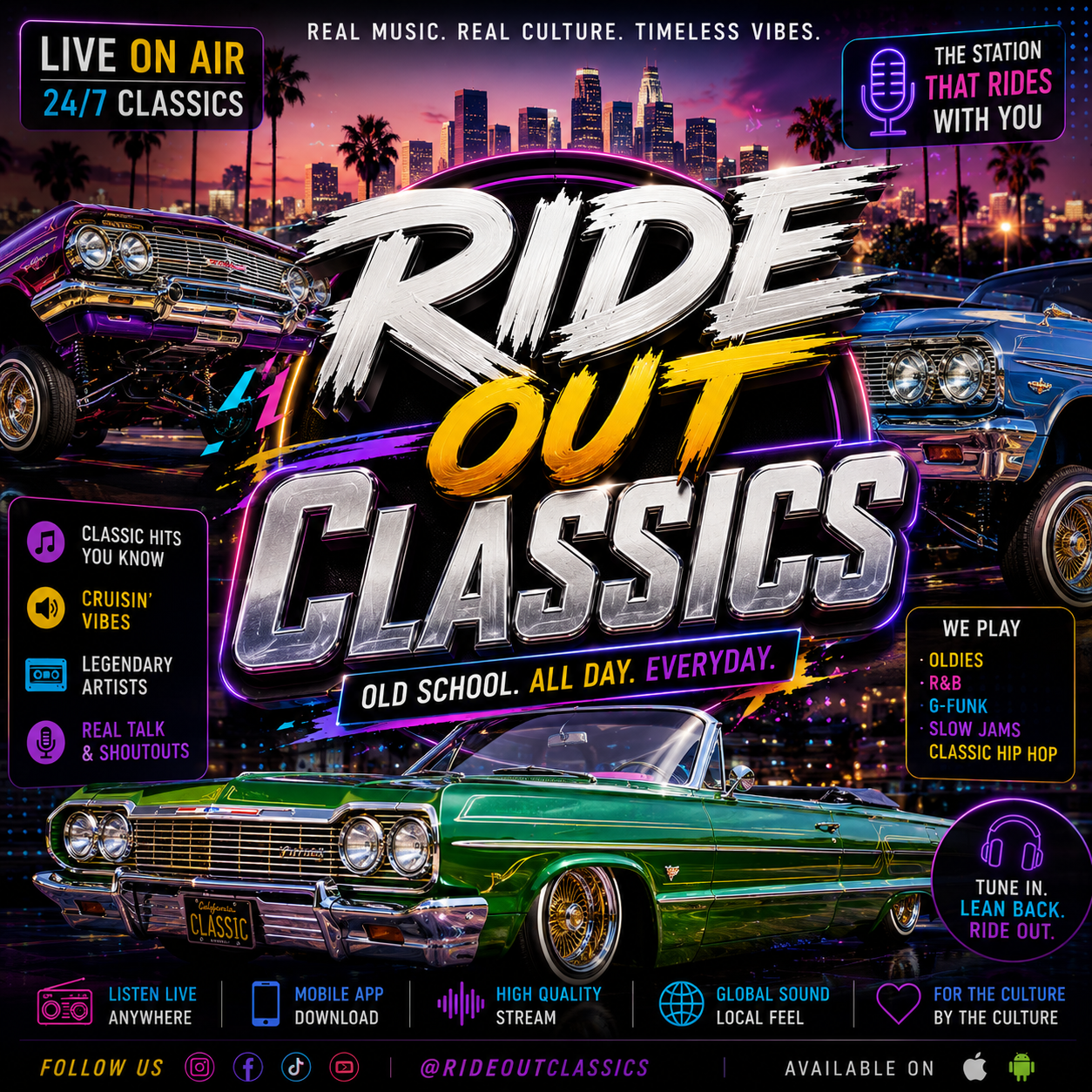
🚘 Ride Out Classics delivers the ultimate soundtrack for cruising with timeless Classic Hip Hop and R&B hits. From old-school anthems to smooth throwback jams, this show keeps the vibes rolling with nonstop classics perfect for late-night drives, weekend rides, and true music lovers on MPT Radio.