Pop culture meets music in this fun and informative show. We discuss everything from viral trends, music videos, and the latest celebrity gossip to upcoming music releases. Tune in to stay up-to-date on the intersection of music and pop culture.
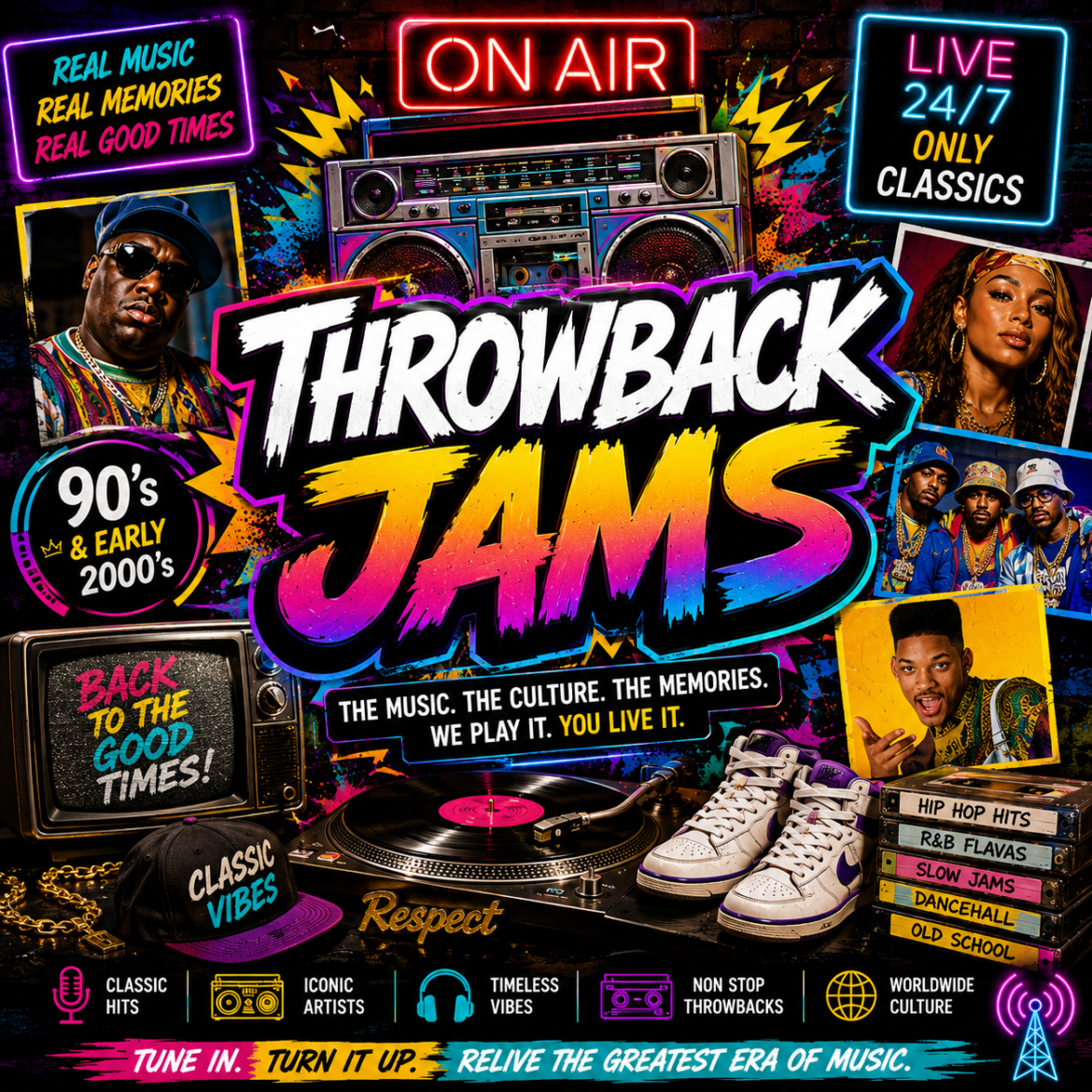
Take a trip down memory lane with the best throwback pop songs of all time. From the classics to the anthems of your youth, Throwback Jam revives the tracks that still make you sing, dance, and reminisce.
Always on the pulse of what’s trending, Ryan handles the station’s social media and interviews, ensuring fans stay engaged and excited about what’s next.
Add MPTRadio to your phone's Home Screen for quick access,
just like an app.
🤖 Android Phones
Open MPTRadio.com in
Chrome or your preferred browser.
Tap the
⋮ three dots
in the top-right corner.
Look for
Install,
Install app,
Add to Home screen,
or
Create shortcut.
Tap the option shown on your phone.
Tap Add or
Install if asked.
Note:
The wording may be different depending on your
phone and browser.
If you see
Install,
Install app,
or
Create shortcut,
that is the correct option.
🍎 iPhone
Open MPTRadio.com in
Safari.
Tap the Share button.
Tap Add to Home Screen.
Tap Add.
MPTRadio will now appear on your Home Screen
for quick access to the station.